
At DKSoft, we provide high-quality Official software solutions for Mac and Windows worldwide
We offer competitive pricing and fast delivery, ensuring you get the software you need quickly
Customer satisfaction is our priority, and we are committed to providing exceptional service and support
Enjoy instant delivery. All software is automatically delivered within one minute of payment confirmation
Shop Now
Blackmagic DaVinci Resolve Studio and Fusion Studio Bundle for macOS - Unlimited User - Lifetime Floating License. v18, v19, v20 and v21
Bonus: Udemy DaVinci Resolve Video Editing - Beginner to Advanced (2024), DaVinci Learning system with this, Davinci Resolve - A Beginner’s Guide, Davinci Resolve - Complete Tutorial for Beginners 2022, DaVinci Resolve - Video Editing Beginner to Advanced, Davinci Resolve - Video Editing Course and Udemy Davinci Resolve - The Youtube Beginner'S Edit Guide, Udemy DaVinci Resolve 101 Tutorial, RE VisionFX Effections OFX 2025.1 macOS (New) Udemy DaVinci Resolve 19 Masterclass - The Complete Video Editing & Color Grading Class


What's New in DaVinci Resolve
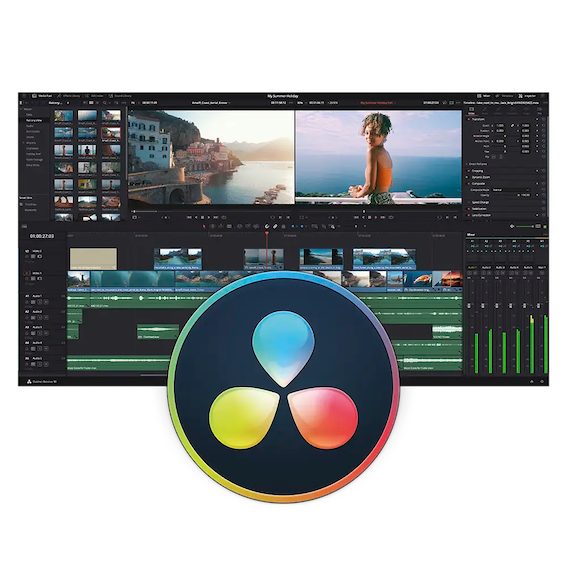
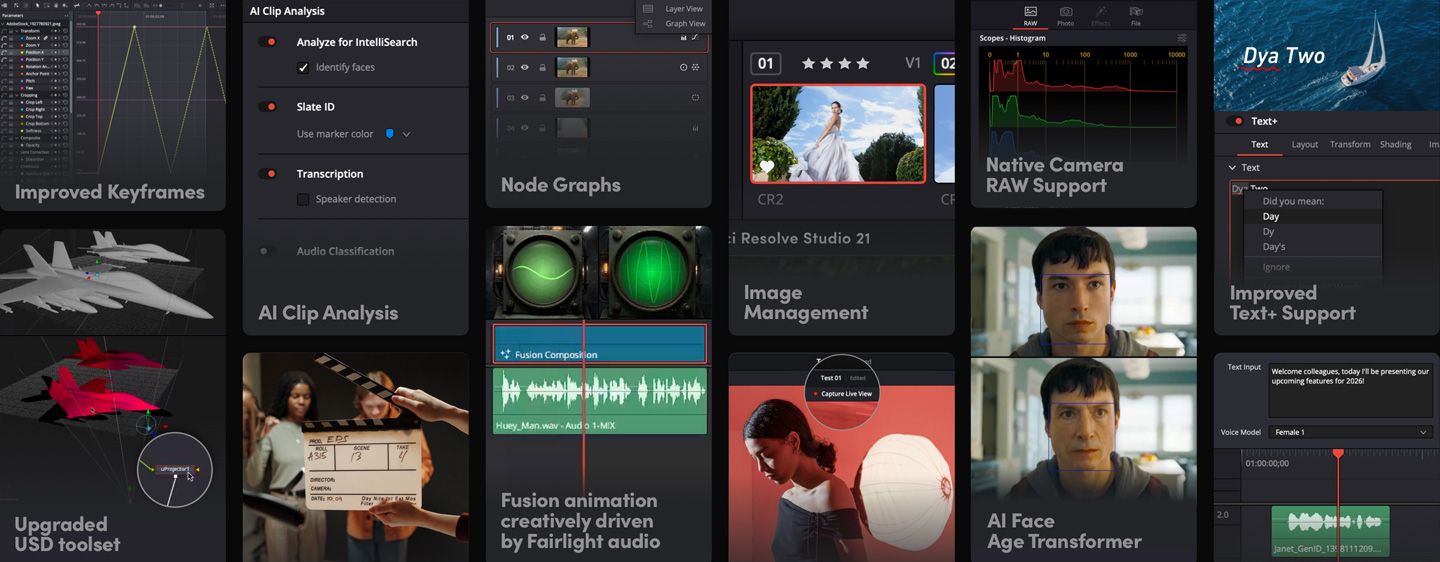
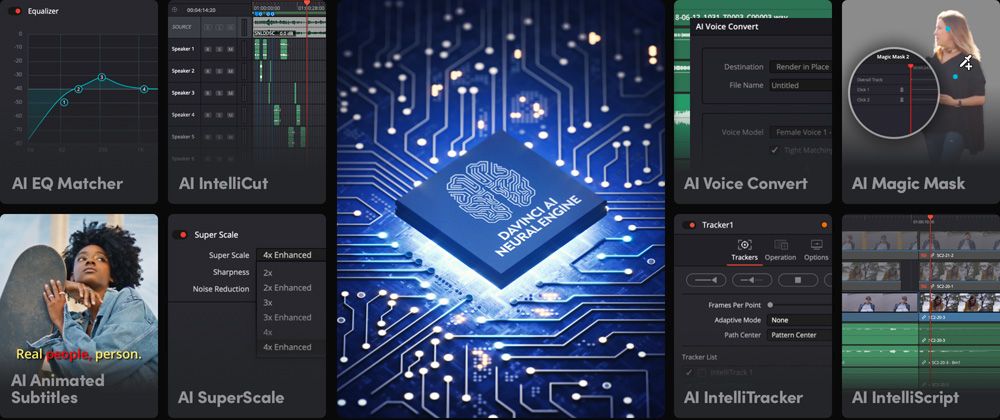
DaVinci Resolve introduces more than 100 new features including powerful AI tools designed to assist you with all stages of your workflow. Use AI IntelliScript to create timelines based on a text script, AI Animated Subtitles to animate words as they are spoken, and AI Multicam SmartSwitch to assemble a timeline with camera angles based on speaker detection. The cut and edit pages introduce a dedicated keyframe editor and voiceover palettes, and AI Audio Assistant analyzes your audio and intelligently creates a professional audio mix. In Fusion, explore advanced multi layer compositing workflows. The Color Warper now includes Chroma Warp, plus Magic Mask and Depth Map have huge updates.
Hollywood's #1 Post Solution
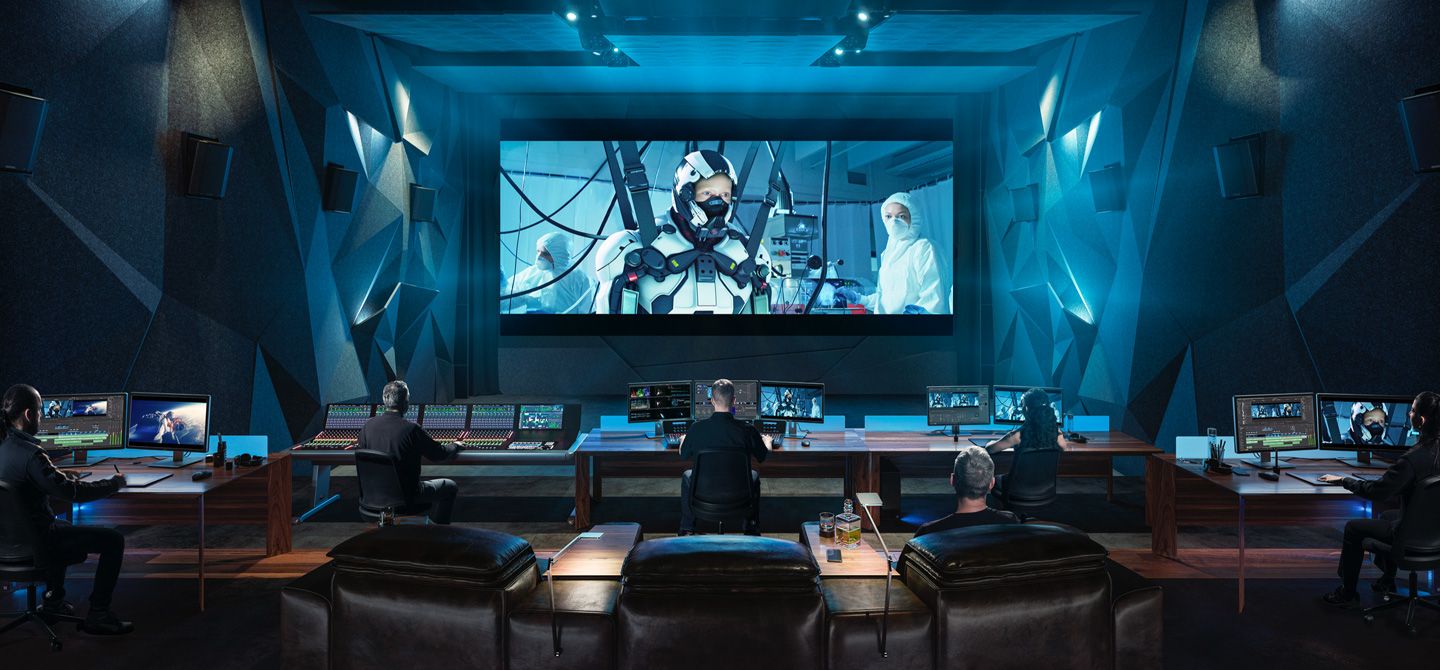
High end professionals working on feature films and television shows use DaVinci Resolve more than any other solution! That’s because it’s known for incredible quality and creative tools that are light years beyond the competition. You get DaVinci’s Emmy™ award winning image technology with 32-bit float processing, patented YRGB color science and a massive wide gamut color space for the latest HDR workflows. You also get the legendary quality of Fairlight audio processing for the best sound in the industry! With DaVinci Resolve, you get the same tools professional colorists, editors, VFX artists and sound engineers use every day to finish your favorite films and streaming television shows!

Multi User Collaboration
DaVinci Resolve is the only solution that lets you grow and build your own multi user post production studio! The newly redesigned project libraries are built for real time local and remote collaboration. While the new Blackmagic Cloud lets you host and access your projects from anywhere in the world. Now you can collaborate with editors, colorists, visual effects artists, and sound engineers all working together at the same time. Best of all, you no longer have to import and export files, translate projects, lose work, or conform and manage changes. DaVinci Resolve is the only application in the world that lets everyone work together in parallel on the same project and at the same time!

All In One Solution for Post Production
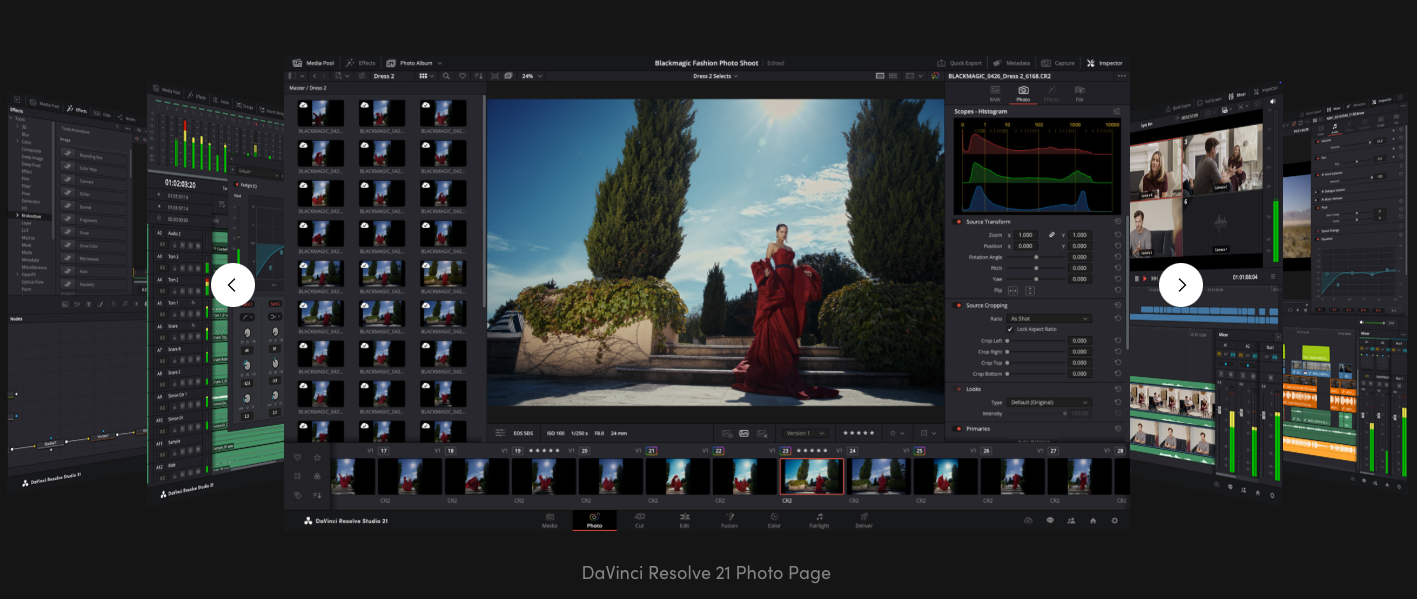
The Photo page introduces Hollywood's most advanced color tools to still photography for the first time. Whether you're a professional colorist applying your existing skills to fashion shoots and weddings, or a photographer ready to push the boundaries of dedicated photo apps, DaVinci Resolve unlocks the tools you need. Work with native RAW files from Canon, Fujifilm, Nikon and Sony cameras, reframing and cropping at source resolution. Manage and organize media with Albums and apply the full DaVinci color toolset to your images. Tether a camera for live capture and collaborate via Blackmagic Cloud. With all of DaVinci’s AI toolset, ResolveFX and FusionFX, the only limit is your imagination!
The edit page is the world’s most advanced professional non-linear editor. The familiar track layout, dual monitor design and traditional workflow makes it easy for new users to learn while still being powerful enough for professional editors. It’s perfect for larger projects such as feature films, television shows, streaming, commercials, documentaries and more. The edit page features drag and drop editing, context sensitive automatic trimming tools, fully customizable keyboard shortcuts so you can work faster, and a library full of hundreds of titles, transitions, and effects that you can add and animate. You also get complete media management, organization and timeline management tools.
The cut page is perfect for projects with tight deadlines that you have to turn around quickly. The streamlined interface is fast to learn and designed for speed. Features such as source tape, dual timelines, fast review, and smart editing tools help you work faster than ever. The sync bin and source overwrite tools let you quickly edit multicam programs. It’s also great for documentaries plus live broadcast editing and replay. Multi Source is the fastest way to see your cameras and edit to the timeline while the cameras are still recording! Everything on the cut page is action based so every click does something. That means you’ll spend more time editing and less time hunting for commands.
The DaVinci Resolve color page is Hollywood’s most advanced color corrector and has been used to color and finish more high end feature films and television shows than any other system! It’s also approachable with features designed to make it easier for new users to get great results while they continue to learn the advanced tools. For example, primary control sliders will be familiar to anyone who’s used image editing software, making it easy to adjust contrast, temperature, mid-tone detail, saturation and more. The color page has an incredible range of primary and secondary color grading features including PowerWindows™, qualifiers, tracking, advanced HDR grading tools and more!
The Fusion page lets you create cinematic visual effects and broadcast quality motion graphics right inside of DaVinci Resolve! Fusion features a node based workflow that makes it faster and easier to create sophisticated effects and animations than you could ever create using a layer based approach. You get hundreds of 2D and 3D tools for visual effects and motion graphics, along with advanced animation curve and keyframe editors that allow you to create incredibly organic and realistic animations. Fusion has everything from point, planar and 3D camera tracking to rotoscope and keying tools for creating photorealistic composites, stunning animated titles, 3D particle systems and more!
The media and delivery pages have everything you need to import, manage and deliver final projects. The media page is a dedicated full screen workspace that lets you prepare footage, sync clips, organize media into bins and add metadata before you start editing. Use the clone palette to ensure every bit of data in the camera media cards is copied during backup. During edit or grading, stream video outputs to a remote client monitor via DeckLink. You can output and upload files to YouTube, Vimeo and X from anywhere page using the quick export tool. The deliver page gives you total control over all encoding options and formats, along with a render queue for exporting multiple jobs!
The DaVinci AI Neural Engine uses state of the art deep neural networks and machine learning, along with artificial intelligence to power features such as facial recognition, object detection, smart reframing, speed warp retiming, super scale, auto color and color matching and more! The DaVinci AI Neural Engine is entirely cross platform, using the latest GPU innovations for AI and deep learning to provide unparalleled performance and quality. The DaVinci AI Neural Engine provides simple tools to solve complex, repetitive and time consuming problems. For example, it enables facial recognition to sort and organize clips into bins based on people in the shot, to reframe shots and more.


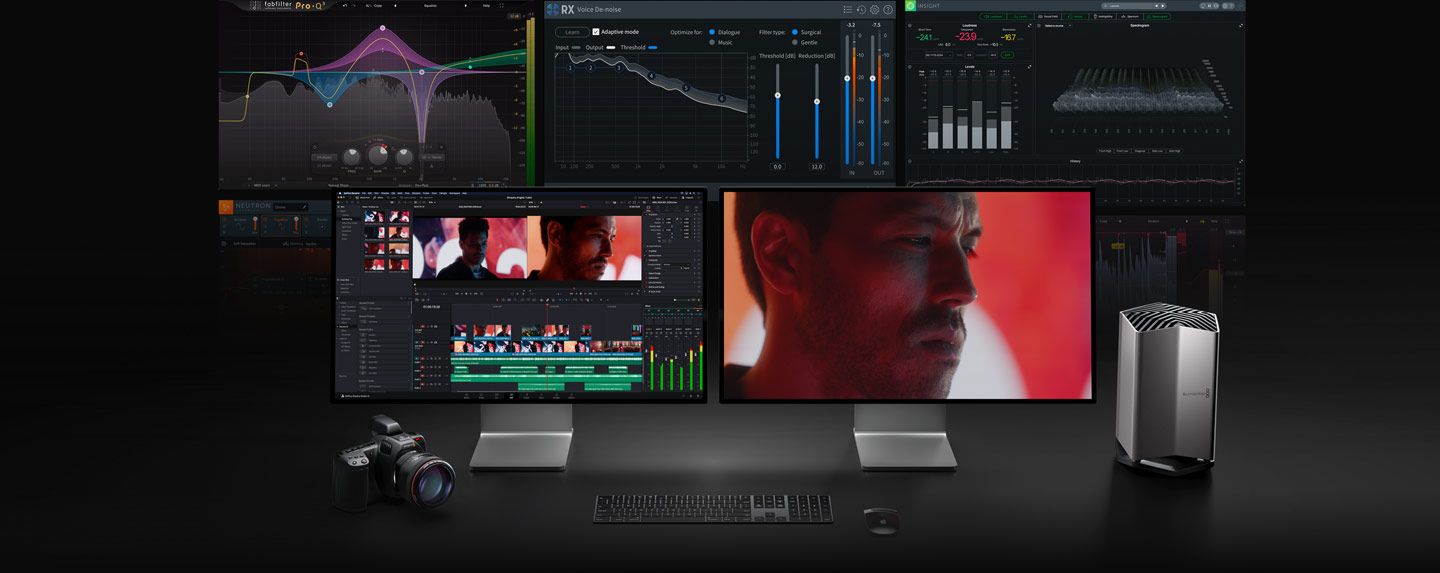
With all the different workflows and systems available, you need a post production solution that’s compatible and open enough to handle anything! DaVinci Resolve can be used with any type of storage ranging from direct attached hard drives to NAS and SAN systems. You can extend DaVinci Resolve with third party Open FX and audio plugins, or add third party title and motion graphics templates. New workflow integration and encoding APIs let developers integrate workflow and asset management systems with DaVinci Resolve. Plus, it works with all major file formats and post production software, making it easy to move files between DaVinci Resolve, Final Cut Pro, Media Composer, and Premiere Pro.

Minimum system requirements
DKSoft© SoftSale© Wholesale®
We do everything to ensure that our customers are safe and satisfied and we always deliver immediately after payment has been received.
More info in your shopping cart.


We are dedicated to delivering both new and used software at unbeatable prices
Always Official full versions with lifetime Licenses and unlimited installations
Thoroughly tested to ensure 100% spyware and virus free cheap software
Secure payment through Paypal or Credit Card (Worldwide) and verified Mobilepay (Nordic)
Immediate digital delivery within minutes after payment
Exceptional value, prompt support, and dedicated customer service
We prioritize your satisfaction and are committed to providing top-tier service
A happy new owner of Adobe CC Collection 2026, best price ever. Thank you so much.

I'm happy with my purchase and will differently be back. Apple Pro Bundle

Everything worked as promised, can definitely recommend DKSoft. Thanks

Capture One and Imagenomic Suite . What a great price and fast delivery. No hassle shopping at DKSoft. I will definitely be coming back.