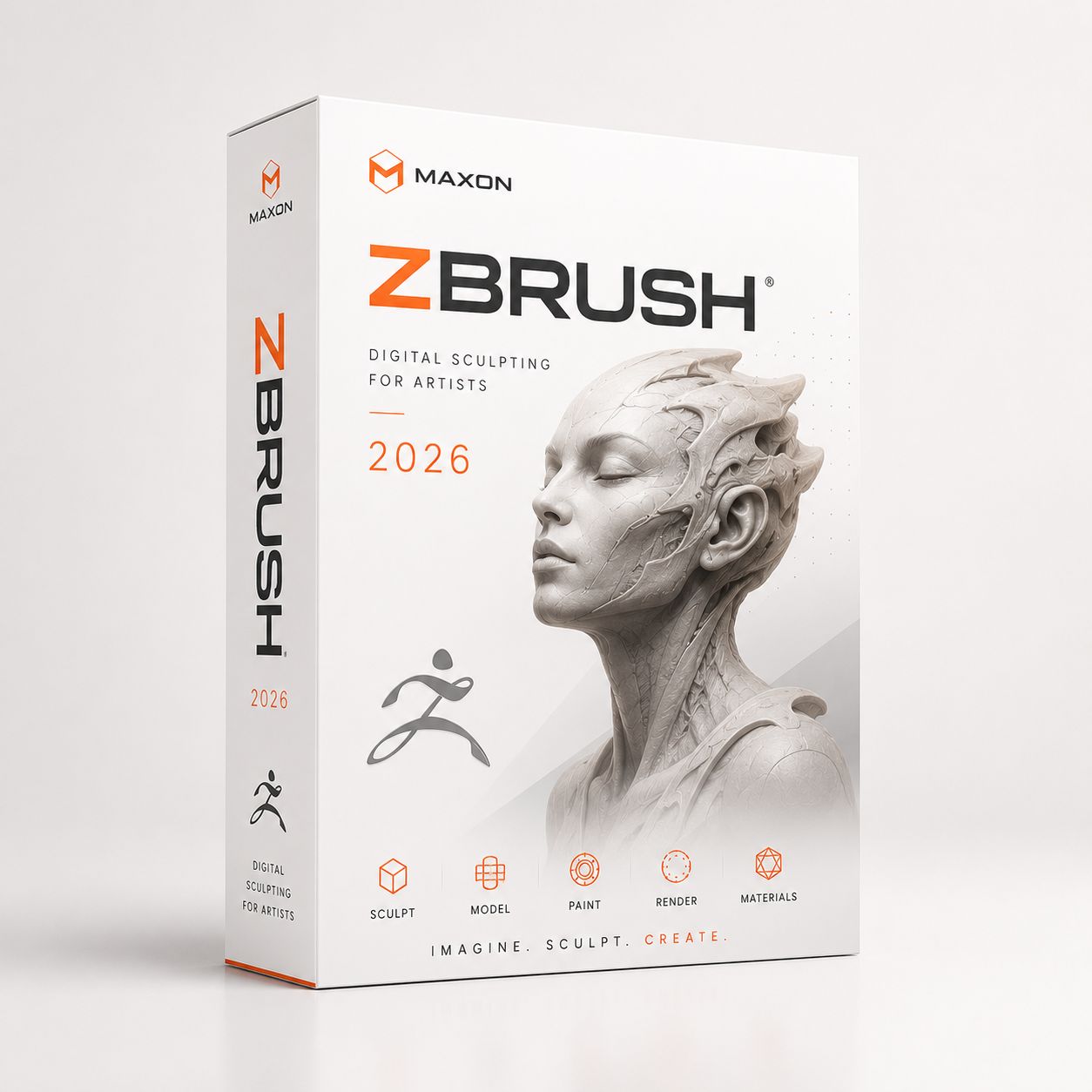
Maxon ZBrush
€190
In stock
Save this product for later
Maxon ZBrush
Product Details
Maxon ZBrush 2023 to 2026 for Mac and Windows - Professional 3D Sculpting, Modeling and Digital Art Software with Perpetual License
Pixologic was acquired by Maxon in 2022
Bonus: Udemy Introduction to Zbrush, Udemy Introduction to ZBrush for Beginners, Udemy Sculpt Your Creature In Zbrush and
Udemy Mastering Zbrush - Creating A Monster Head From Scratch
Bonus: Unity Technologies SpeedTree Modeler Enterprise 10.x for macOS & Windows, Texture Tools v2.0 - ZBrush Plugin for Windows
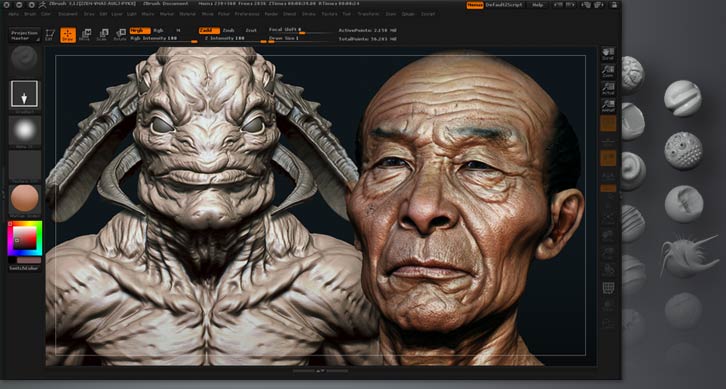
ZBrush is the leading industry standard digital sculpting software. This update provides enhancements that will help you explore new workflows, including the ability to create high quality renders with the integration of Redshift. From Hard Surface modeling and Character Creation to World Building and Environment Design, ZBrush provides you with access to diverse workflows and limitless creative possibilities with ease.
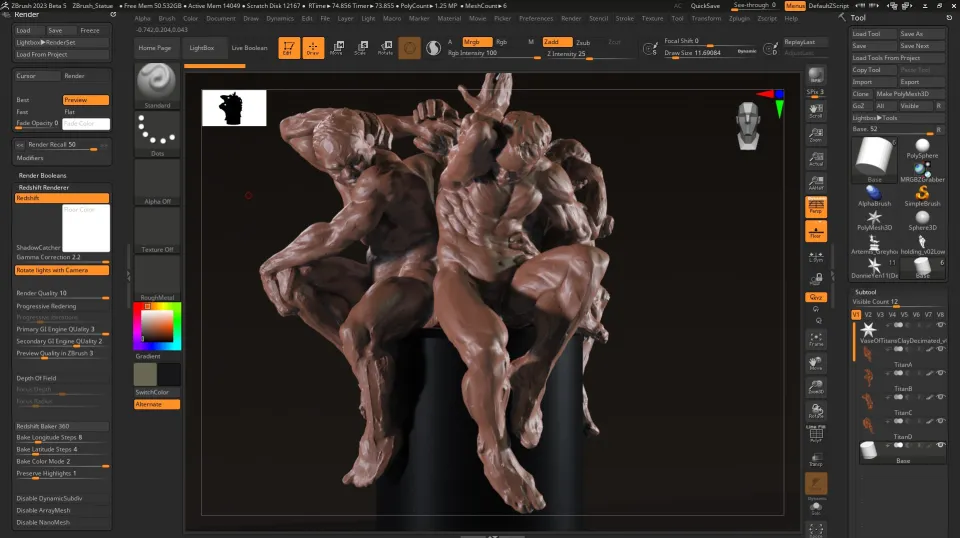
Integrate fully GPU-accelerated, biased rendering into your ZBrush pipeline
Render high resolution images without UV and Texture Map information on the fly. Take your art further with Subsurface Scattering, Emissive Light generation, full metallic material management and caustic effects for realistic glass. Using ZBrush with Redshift integration provides new and exciting opportunities to create high-quality images.
Slime Bridge
A dynamic way to create! Using the power of ZBrush’s Masking system, Slime Bridge works to expand modeling capacity to include complex geometric connections and designs from one masked island to another. Simply draw out a mask on a given surface and create another mask on an adjacent group of faces to set your Slime Bridge parameters. Click the Slime Bridge button and watch real-time construction and eclectic shapes come to life. The Tension, Bridges Calipers and Branches sliders provide access points for even more creative control when it comes time to slime things up!
Sculptris Pro
Sculptris Pro, a dynamic tessellation sculpting workflow that enables you to ignore the constraints of polygon distribution and just – sculpt! Sculptris Pro makes it possible for you begin with any shape or model, whether it has ten polygons or ten thousand. There is absolutely no need to worry about having enough polygons to capture details. With Sculptris Pro you can simply brush across the surface. Sculptris Pro will dynamically add and reduce polygons wherever and whenever it’s needed, freeing you to focus entirely on the look you’re trying to achieve.
ZBrush places a library of over 400 sculpting brushes at your fingertips. Activating Sculptris Pro will transform each of these brushes into a system that places no limitations on your creativity. ZBrush comes with a set of brushes designed specifically for Sculptris Pro.
Subdivision Size Picker
Additions to the already robust Sculptris Pro feature set include increased resolution capabilities. Take advantage of triangle size at five times the density. Using the Sculptris Pro slider provides control for increasing density in desired areas while also reducing the size of triangles. This means more detail where it counts. Extended use includes interactive manipulation of triangle size while hovering over designated areas of an asset.
Multi-Resolution Mesh Editing
The inherent problem with traditional 3D modeling methods is that once you divide your mesh you are locked into the design thus far. There is no way to go back and make changes at the macro level without sacrificing everything that has been done at higher resolutions. ZBrush does away with that restriction through multi-resolution subdivision editing, the feature for which it received an Academy Award. With this system you are free to move between subdivision levels at any time, making changes wherever they are most appropriate. Those changes then automatically ripple across all other levels of your model.
Mask Region
Mask Region allows for expanded use of ZBrush’s robust masking system by allowing you to draw shapes on the surface of a mesh while filling those areas uniformly and independently. Selecting the Auto Region option will auto-fill your mask to complete your selection. With Analyze Region, you make multiple masking selections while ZBrush detects and fills the selected areas. Fill Region will auto-fill all areas that ZBrush detected to complete multiple mask selections at once with the push of a button.
Apply Last Action
The Apply Last Action to All Subtools function allows for application of material attributes, color information and any other “undoable” operations to multiple subtools inside the ZBrush Tool Palette with the click of a button. Only Subtools with the “Eyeball” icon activated/visibility turned on inside the Subtool menu will be affected.
Taking this functionality further sees the addition of Folder support. The Folder “add-on” function provides you with an opportunity to manage Apply Last Action to specific folders for increased control over modeling and visual representation of assets. Grouping your subtools together into a Folder will allow you to use Apply Last Action to subtools within a currently selected folder.
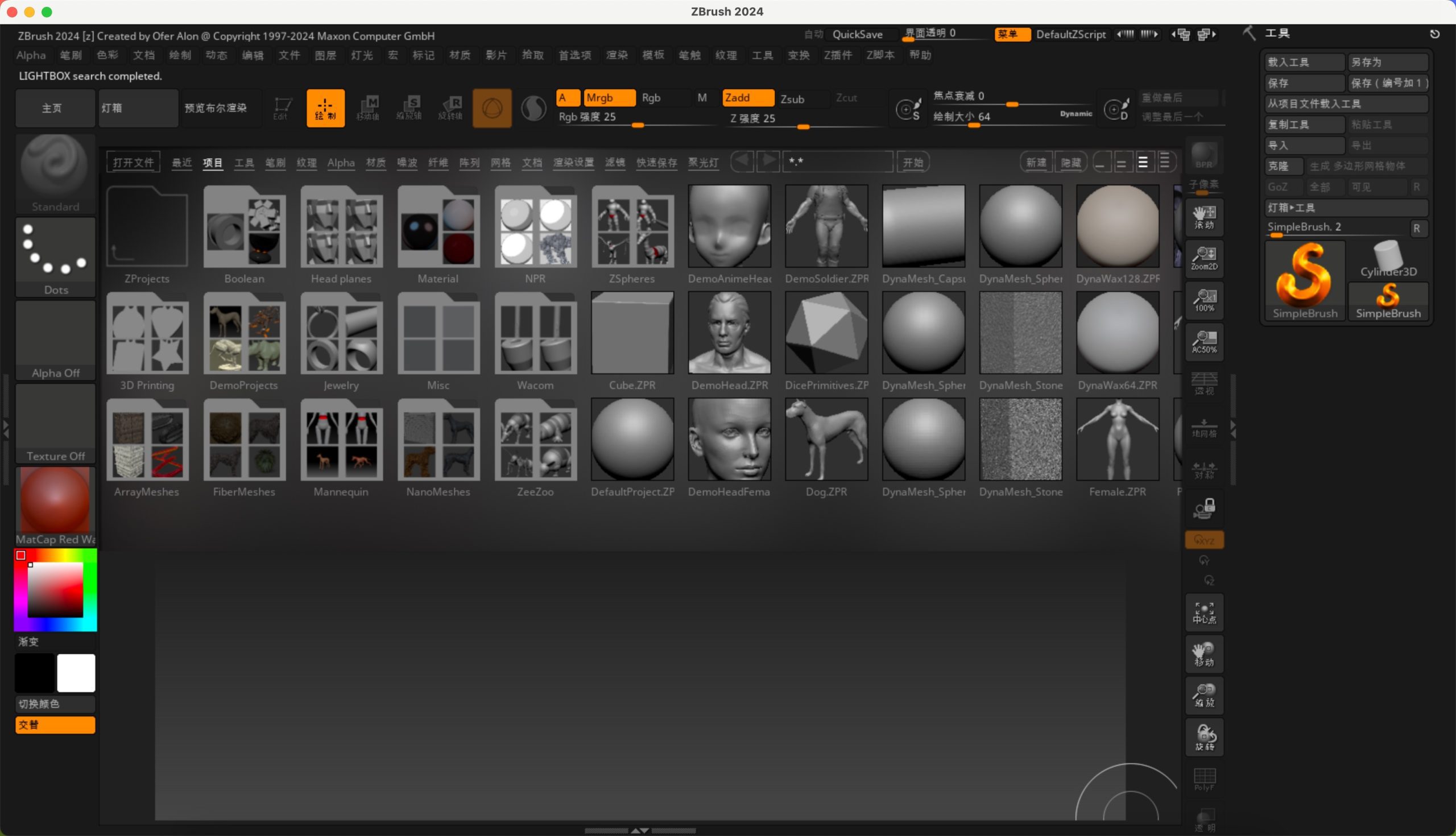
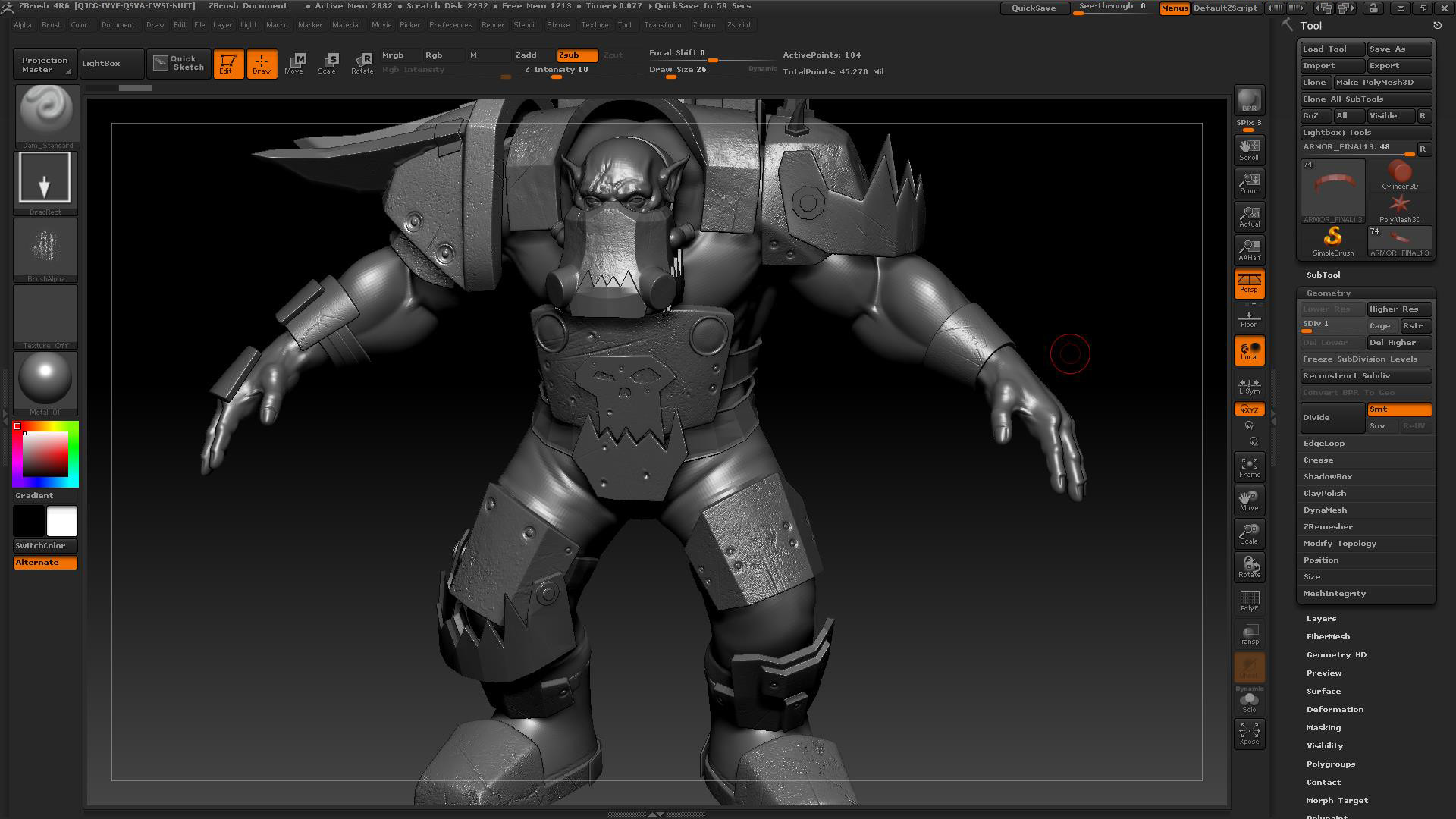
Minimum specifications:
- OS: 64-bit editions of Windows 10 or 11 (32-bit & ARM Windows are not supported.) macOS Sonoma or later.
- CPU: PC Intel i7/i9 technology and newer or AMD Ryzen and newer / Mac Intel or Apple Silicon
- RAM: 4 GB (6+ GB strongly recommended.)
- HDD: 20 GB of free hard drive space for ZBrush and its scratch disk.
- Pen Tablet: Mouse or Wacom compatible (WinTab API) pen tablet.
- Monitor: 1280x1024 monitor resolution with 32-bit color.
- Video card: WIN, Must support OpenGL 3.3 or higher and Vulkan 1.1 or higher / macOS (All)
Your purchase will be available for download immediately after payment is received. Updates will always be accessible in your account.
DKSoft.shop©
You May Also Like
BESTSELLER 90%
Adobe Creative Cloud 2026
Adobe Creative Cloud 2026
Bonus: Imagenomic Professional Plugin Suite and more ++
€190

Display prices in:EUR